Best Running Apps with Route Planning 2026
Best Running Apps with Route Planning 2026
You have a free afternoon and want to run somewhere new. Your current app just shows a blank map. No saved routes, no suggestions, no idea which paths are even runnable. So you end up doing the same loop again.
Route planning is the gap between a good run and a great one. The right app helps you discover new paths, map a custom course, and navigate it without pulling out your phone every half mile.
We compared six running apps with real route planning tools. Here are the best options for 2026.
The best running apps for route planning in 2026 are: 1) Komoot for full-featured route building with surface and elevation data, 2) AllTrails for trail discovery with community reviews, 3) Strava for route building inside a performance tracking platform, 4) MapMyRun for beginner-friendly route creation and a huge community map library, 5) Footpath for quick snap-to-road route drawing on iOS, and 6) Runify for tracking and competitive ranking on routes you already run. The top pick depends on whether you need discovery, navigation, or a planning-plus-tracking combo.
1. Komoot - Best Overall for Route Planning and Navigation
Komoot is the most complete route planning app for runners in 2026. You set a start point, choose "trail running" as your sport, and Komoot builds a route with accurate surface type, elevation data, and turn-by-turn voice navigation baked in. Its library holds millions of community-created routes covering roads, trails, and singletrack worldwide.
Why Komoot Stands Out
The surface-type filter is what separates Komoot from generic map tools. It distinguishes tarmac, gravel, singletrack, and technical trail so you know exactly what your feet are landing on before you leave the house. This matters on long runs where an unexpected 3-mile gravel detour can ruin pacing.
Komoot's offline navigation works on Apple Watch (with a downloaded route), which means you can leave your phone in the car on trail runs. The community highlight system shows you which segments of a route other runners find most scenic or challenging, giving you a real sense of what a route feels like before you commit.
For runners who regularly explore unfamiliar terrain, Komoot's combination of pre-run planning and on-run navigation is the hardest to beat. It pairs well with a tracking app like Runify for post-run ranking once you are back home.
Key Features
- Route Builder: Drop start and end points; Komoot auto-generates a route optimized for your activity type with surface and elevation overlays.
- Turn-by-Turn Navigation: Voice-guided navigation on iPhone and Apple Watch, including offline mode for downloaded routes.
- Community Highlights: See photos, tips, and difficulty notes from other runners on every section of a route.
- Personal and Global Heatmaps: Premium users see where the running community runs most, useful for finding popular paths in unfamiliar cities.
- Planned Tours Library: Save, organize, and share custom collections of routes.
Pricing
Free for basic access with one region included. Additional regions cost roughly $3.99 each or $29.99 for a World Pack (one-time purchase). Komoot Premium adds heatmaps and advanced features at approximately $29.99/year after an introductory first-year rate.
Best For
- Runners who explore new areas regularly
- Trail runners who need accurate surface-type data
- Anyone wanting offline Apple Watch navigation
Limitations
- Not a performance tracking platform - you will need a separate app for post-run analytics and splits.
- Regional map pricing adds up if you travel frequently without the World Pack.
2. AllTrails - Best for Trail Discovery with Community Reviews
AllTrails has over 500,000 curated trails worldwide, making it the largest crowd-sourced outdoor route library available on iOS. Runners use it mainly for discovery: filter by distance, elevation, difficulty, and surface type to find a trail near you that you did not know existed.
Key Features
- Trail Database: 500,000+ trails with user ratings, recent condition reports, and photos.
- Custom Routes: Plus and Peak subscribers can build routes from scratch or modify existing trails.
- Offline Maps: Download trails before you leave the WiFi zone.
- 3D Trail Previews: Visualize elevation and terrain before committing to a route.
- AI-Powered Smart Routes: Peak tier includes AI that builds custom routes based on your preferences and current conditions.
Pricing
Free (basic discovery and trail browsing). AllTrails Plus at $35.99/year adds custom routes and offline maps. AllTrails Peak at $79.99/year includes AI smart routes, community heatmaps, and advanced trail condition forecasts.
Best For
- Runners who want curated trail discovery with real user reviews
- Trail runners checking current conditions before heading out
Limitations
- Community strength is mainly hiking-focused; running-specific data is thinner in some regions.
- The best planning features sit behind the Peak tier, which is priced above most competitors.
3. Strava - Best Route Planning Inside a Performance Platform
Strava's Route Builder lets you draw custom running routes on a map, guided by a heatmap of where Strava's global community actually runs. The heatmap is Strava's biggest planning advantage: it surfaces runnable paths - including unofficial trails and shortcuts - that do not appear on standard maps.
For runners who already use Strava for training load, segment leaderboards, and social tracking, the Route Builder adds route planning without switching apps. The two tools share data, so a planned route syncs directly to your pre-run warmup screen.
If you want an offline-capable running app with strong GPS tracking, our best offline running apps breakdown covers how Strava compares to dedicated offline options.
Key Features
- Heatmap Route Builder: Draw routes guided by aggregate running data showing where other runners actually go.
- Starred Segments on Route: Preview which KOM/QOM segments your planned route crosses.
- Route Export: Export to GPX or send directly to Garmin devices.
- Training Integration: Planned routes connect to Strava's training log and fitness analytics.
Pricing
Strava subscription required for the Route Builder: $11.99/month or $79.99/year. Basic activity tracking and social features are free.
Best For
- Runners already using Strava for performance tracking and social features
- Anyone who wants route discovery powered by real community running data
Limitations
- Route Builder requires a paid subscription.
- No turn-by-turn voice navigation during the run - you follow the route on screen.
4. MapMyRun - Best for Beginner Route Planning
MapMyRun by Under Armour has one of the largest user-generated route libraries in North America. Its route creation tool is straightforward: click points on a map and the app snaps to roads and paths automatically. You can also search the community library for pre-built routes near your location.
For runners new to route planning, MapMyRun's interface is the least intimidating of the group. Routes are shareable, and the community has contributed millions of verified courses across thousands of cities.
Key Features
- Click-to-Build Route Creator: Snap-to-road route drawing with distance and elevation calculated live.
- Community Route Library: Search millions of user-created routes by location, distance, and elevation.
- Gear Tracking: Log shoe mileage alongside route data to track wear.
- Audio Coaching: Pace prompts and audio cues during the run (MVP tier).
Pricing
Free with ads and basic route access. MapMyRun MVP at $29.99/year removes ads and adds audio coaching, heart rate analytics, and training plans.
Best For
- Beginners who want simple route creation with a large community library
- Road runners looking for user-verified courses in their city
Limitations
- Free tier includes ads during tracking.
- Trail coverage and surface-type data lag behind Komoot for off-road runners.
5. Footpath - Best for Quick Route Drawing on iPhone
Footpath is a dedicated route-planning app built specifically for iPhone, with a snap-to-road drawing tool that works faster than anything else on iOS. Trace your finger along streets or trails on the map and Footpath locks the line to real paths automatically. Distance and elevation appear in real time as you draw.
Footpath does not track your run or provide leaderboards. It is a pure planning tool, and it does the one thing very well.
Key Features
- Finger-Trace Route Drawing: Draw routes by hand on iPhone; snap-to-road auto-locks to paths.
- Elevation Profiles: See gain and loss for every planned route before you run it.
- GPX Export: Export planned routes to Garmin, Apple Watch, or other GPS devices.
- Apple Watch Navigation: Follow a planned route on your watch during the run.
Pricing
Free for basic route drawing (one route). Footpath Elite at $3.99/month or $23.49/year unlocks unlimited routes, offline maps, and Apple Watch navigation. A 7-day free trial is available.
Best For
- iPhone runners who want the fastest route-drawing tool available
- Runners who plan on iPhone then execute on Apple Watch or Garmin
Limitations
- No post-run tracking, splits, or analytics - pair with a separate tracking app.
- Community route library is much smaller than AllTrails or Strava.
6. Runify - Best for Tracking and Ranking the Routes You Run
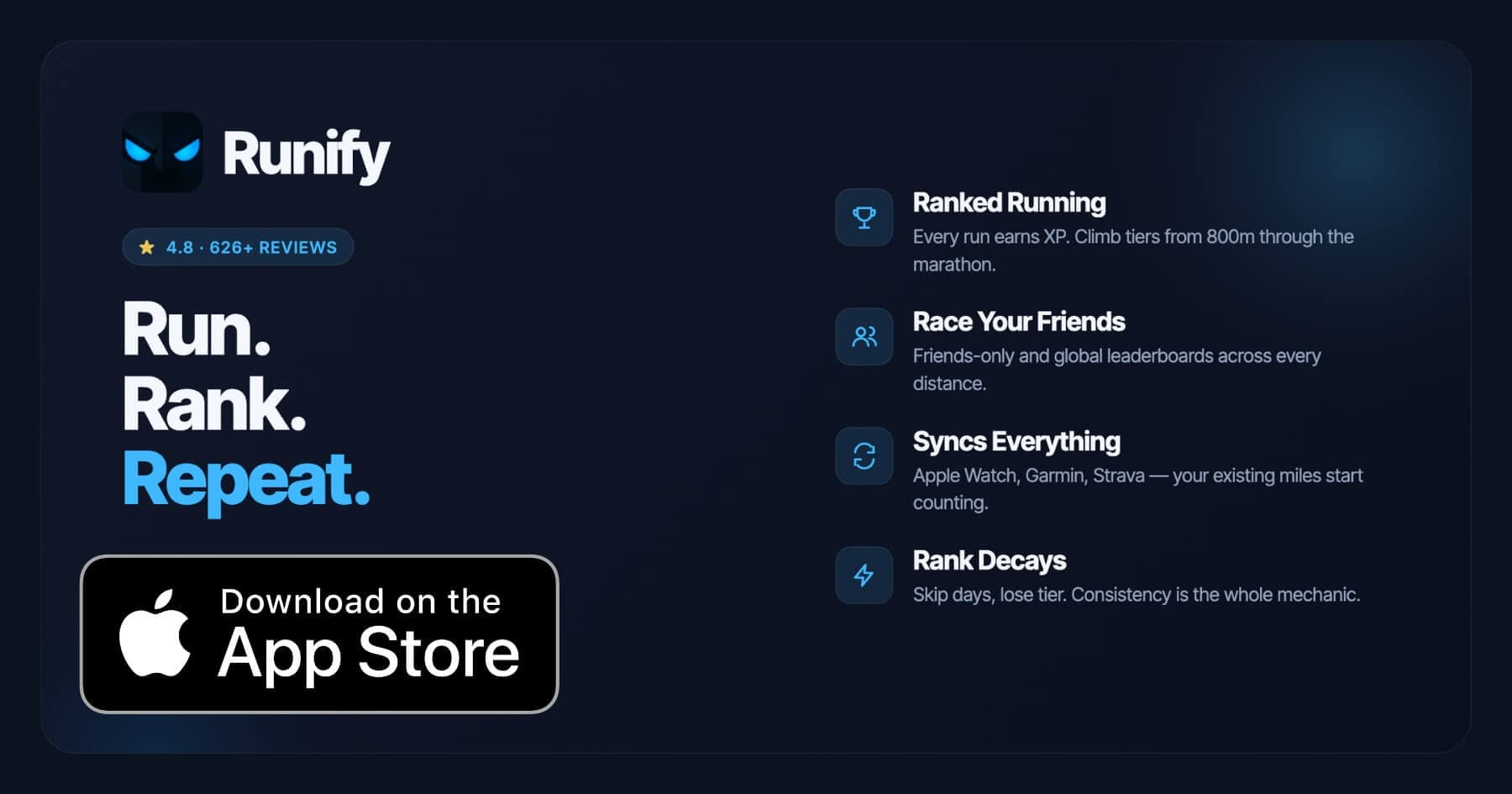
Runify does not plan routes. What it does is make every run you complete count toward a visible competitive rank, whether you planned the course with Komoot or just ran your usual loop. Every run earns XP, moves you through a tier system, and puts you on distance-specific leaderboards across 800m, 1K, 5K, 10K, half marathon, and marathon.
The typical workflow for route-focused runners: plan with Komoot or Strava, run the route, then sync to Runify for ranking. If you record on Apple Watch, Garmin, or Strava, Runify pulls those runs in automatically. No double-logging required.
Runify has 4.8 stars on the App Store with 626+ reviews and 100,000+ runs logged. For iPhone runners already exploring the best running apps for iPhone in 2026, Runify is the layer that turns logged miles into a competitive ladder.
Key Features
- Ranked Progression System: XP from every run, post-run rank-up reveals, and rank decay when you go inactive.
- Friends and Global Leaderboards: Race your friends or the world across 800m, 1K, 5K, 10K, half, and marathon.
- Apple Watch, Garmin, and Strava Sync: Bulk-import past runs and auto-detect new ones going forward.
- In-App GPS Tracking: Live GPS with time, distance, pace, and route; 99.5% routing accuracy.
- Shareable Run Recaps: One-tap Instagram Stories with your time, distance, pace, and rank card.
- Streaks and Smart Reminders: Streak tracking, celebrations, and push notifications for inactivity.
Pricing
Monthly: $4.99/month (no free trial). Annual: $39.99/year with a 7-day free trial. Pro unlocks distance-specific leaderboards and expanded profile/history views (weekly, monthly, yearly, all-time stats).
Best For
- Runners who already plan routes with Komoot, Strava, or AllTrails and want those runs to count toward a rank
- Apple Watch, Garmin, or Strava users wanting competitive distance leaderboards
- Runners motivated by visible progression and friend competition
Limitations
- iOS only. Android is not available today.
- No route planning, route discovery, or navigation built in.
- Not a coached training-plans app - no structured workouts, pace coaching during a run, or audio coaching.
How to Choose the Best Route Planning App
Five factors matter most when picking a route planning app for running:
-
Discovery vs. Creation: If you want someone else to suggest routes, AllTrails and Komoot excel at discovery. If you want to draw your own course, Footpath and Strava's Route Builder are faster for custom creation.
-
Road vs. Trail: Komoot has the most accurate surface-type data for trail runners. MapMyRun's community library is stronger for road runners in urban areas. AllTrails sits between them, leaning trail.
-
Navigation During the Run: Komoot and Footpath both send planned routes to Apple Watch for on-wrist navigation. Strava shows the route on your phone screen but does not provide voice cues. If you run without your phone, check that Apple Watch support is included.
-
Integration with Your Tracking App: None of the pure planning apps (Komoot, Footpath) track your run or provide post-run analytics. You will need a tracking layer on top - whether that is Strava, Garmin, or Runify for rankings. Choose a planning app that exports GPX or syncs to the ecosystem you already use.
-
Price and Long-Term Value: Most runners need route planning a few times a month, not every day. Footpath Elite at $23.49/year is the most affordable full-featured iOS planning option. Komoot's one-time regional purchases work well if you run in a fixed area. Strava's Route Builder only makes sense if you also want the performance tracking platform.
Frequently Asked Questions
What is the best running app for route planning in 2026?
Komoot is the best overall app for running route planning in 2026. It builds routes automatically around your start point using surface-type and elevation data, provides turn-by-turn voice navigation, and supports offline Apple Watch navigation for trail runs. AllTrails is the stronger pick for trail discovery with community reviews, while Strava's Route Builder is best for runners who want route planning inside a performance tracking platform. Footpath is the fastest pure route-drawing tool on iPhone. The right app depends on whether your priority is discovery, custom creation, or on-run navigation.
Is there a free app for planning running routes?
Yes. MapMyRun is free with basic route creation and a large community route library. AllTrails has a free tier for basic trail discovery and browsing. Strava's free tier includes basic activity tracking, though the Route Builder requires a paid subscription. Footpath is free for a single saved route. Komoot includes one region free. For competitive tracking on the routes you plan, Runify offers a 7-day free trial on the $39.99 annual plan, which lets you test ranked leaderboards and Apple Watch sync before committing.
Can I sync a planned route to my Apple Watch or Garmin?
Yes, several apps support this. Komoot sends planned routes directly to Apple Watch for offline navigation. Footpath exports planned routes to Apple Watch and Garmin via GPX. Strava can export routes as GPX files compatible with Garmin devices. Once you complete a run recorded on Apple Watch or Garmin, Runify auto-imports that run to credit XP and update your rank, so your planning and tracking tools stay connected without manual syncing.
What features should I look for in a running route planning app?
Key features to look for include: 1) a route builder with snap-to-road accuracy for the surface types you run on (road, gravel, trail), 2) elevation profiles before the run so you can pace correctly, 3) on-run navigation that works on your watch without requiring your phone, 4) offline map support for trail runs with poor signal, 5) community routes or a discovery library if you want other runners' tested courses, and 6) GPX export for compatibility with your GPS watch. If post-run tracking and competitive ranking also matter, add a second app like Runify on top of your planning tool.
Does Runify have route planning or route discovery features?
No. Runify does not include route planning, route building, or route discovery. Runify is a ranked running app - every run you log earns XP, moves you through a competitive tier system, and places you on distance-specific leaderboards. It imports from Apple Watch via HealthKit, Garmin Connect, and Strava automatically. Runners typically use a planning app like Komoot or Footpath to design and navigate the route, then let Runify handle the ranking layer on the back end. The two types of apps complement each other well.
Final Verdict
Route planning apps in 2026 split into three camps: discovery tools (AllTrails), full-featured planners with navigation (Komoot, Footpath), and performance platforms with planning built in (Strava, MapMyRun). Each solves a different version of the "where should I run?" problem.
Komoot is the strongest overall pick for runners who want to explore new terrain and navigate without pulling out their phone. AllTrails wins on trail discovery depth. Strava makes sense if you are already paying for the performance platform and want route building bundled in.
Runify sits at a different layer. It is not a planning tool - it is what makes the miles you run on all those planned routes matter competitively. If you want every run to count toward a rank, leaderboard position, and visible streak, Runify belongs in the mix alongside whichever planning app you choose.
Plan your route with Komoot. Log it. Then let Runify turn those miles into a rank - with leaderboards across 800m through marathon and a 7-day free trial on the annual plan.

4.8 on the App Store · Built for iOS