Movescount vs Suunto App: Compared in 2026
Movescount vs Suunto App: The Quick Verdict
Movescount was Suunto's original training platform - and Suunto shut it down permanently in September 2021. The Suunto App is its direct replacement and the only official option for Suunto watch owners today. If you're still searching "Movescount vs Suunto App," you're likely a long-time Suunto user deciding whether the new app meets your needs, or someone who discovered Movescount through an old forum post.
The Suunto App is free, available on iOS and Android, rated 3.9 stars on the App Store, and offers route planning, heatmaps, and offline maps baked in. Movescount is no longer accessible. For runners who find neither platform scratchy the competitive itch, Runify offers a third path built around XP, tiers, and leaderboards.
At a Glance: Movescount vs Suunto App
| Feature | Movescount | Suunto App |
|---|---|---|
| Best For | Legacy Suunto users pre-2021 | All current Suunto watch owners |
| Pricing | Shut down; no longer available | Free (no paid tier) |
| Platform | Web + iOS + Android (discontinued) | iOS + Android |
| Standout Feature | Deep custom interval programming | Offline maps and route heatmaps |
| Main Limitation | Permanently shut down September 2021 | Smaller ecosystem; social features limited |
What Was Movescount?
Movescount was Suunto's first-generation training platform, launched in 2010 as a web-based dashboard for analyzing run data from Suunto watches. It allowed runners to log workouts, plan routes, share activities to a community feed, and create custom interval programs called "Move Descriptions" that could be pushed back to compatible Suunto watches.
At its peak, Movescount had a dedicated community of trail runners, triathletes, and endurance athletes who relied on it as their primary training log. The platform had a web interface plus mobile apps for iOS and Android.
Suunto announced the shutdown in 2021 as part of a full platform migration to the new Suunto App. On September 1, 2021, Movescount was taken offline. All existing data was migrated to the Suunto App for users who linked their accounts before the deadline.
Movescount Key Features (historical)
- Activity Log: Automatic sync from Suunto watches via USB or Bluetooth, with map overlays and lap splits.
- Custom Sport Modes: Runners could configure watch screens and data fields per activity type.
- Move Descriptions: Programmable interval workouts created on desktop and pushed to watch.
- Route Planning: Web-based route builder with elevation profiles and distance markers.
- Community and Partner Apps: A small social feed and connections to Strava, TrainingPeaks, and other third-party platforms.
Movescount Pricing (historical)
Movescount was free for all Suunto watch owners. There was no paid tier.
Movescount Strengths (historical)
- Deep custom interval programming for coaches and structured runners
- Strong community of endurance and trail athletes
- Web-first interface that worked well on desktop browsers
- Third-party integrations with Strava and TrainingPeaks
Movescount Weaknesses (historical, from user feedback)
- Web interface felt dated even by 2018 standards
- Mobile apps were slow and buggy compared to desktop
- Limited analytics depth compared to Garmin Connect
- Social features never matched Strava's community scale
What Is Suunto App?
Suunto App is the current official platform for all Suunto watches, launched in stages from 2019 onward and fully replacing Movescount in September 2021. It runs on iOS and Android and offers a web portal at suunto.com for deeper route planning and data review.
The app is designed for trail runners, outdoor adventurers, and multisport athletes - the same core audience Suunto watches serve. It emphasizes maps, navigation, and clean data presentation over social feed dynamics. The App Store rating sits at 3.9 stars, with a mix of praise for the mapping features and criticism of sync reliability after major watch firmware updates.
Runners exploring other companion apps for their Suunto watches can see a broader comparison in our best running apps for Suunto watches breakdown.
Suunto App Key Features
- Offline Maps: Download full regional maps to your phone for navigation without a data connection.
- Route Heatmaps: Visualize popular trail and road routes based on aggregated Suunto user data.
- Activity Sync: Automatic sync from Suunto watches via Bluetooth; bulk import from Movescount or Strava.
- Multisport Tracking: Logs swim, bike, hike, ski, and run activities with sport-specific metrics.
- Third-Party Export: Connects to Strava, TrainingPeaks, Apple Health, and a handful of other platforms via FIT file export.
Suunto App Pricing
Suunto App is free. There is no paid subscription tier. All features, including offline maps and route planning, are available at no cost to Suunto watch owners.
Suunto App Strengths
- Fully free - no paywalls on any feature
- Offline maps and navigation baked in without extra cost
- Clean, minimal UI suited to outdoor adventure data
- Strong Strava and TrainingPeaks export for data portability
Suunto App Weaknesses (from user feedback)
- Social features are minimal - no segments, group challenges, or meaningful leaderboards
- Sync can stall after firmware updates, requiring manual troubleshooting
- Analytics depth is lighter than Garmin Connect or Polar Flow
- App Store rating (3.9 stars) reflects persistent sync frustrations reported by some users
Movescount vs Suunto App: Head-to-Head
The comparison matters primarily to long-time Suunto users who remember Movescount fondly and want to understand what changed. Movescount is gone, so this is really a retrospective of what was lost and what was gained in the migration to the Suunto App.
Tracking Accuracy
Tracking accuracy depends on the Suunto watch hardware, not the companion app, so both platforms display the same underlying GPS and heart rate data. The distinction is in how they present it. Movescount offered more granular lap-by-lap tables on desktop. Suunto App displays the same data with cleaner map visualizations and is faster to browse on mobile.
Training Plans and Structured Workouts
Movescount had the edge here. Its "Move Descriptions" feature let coaches and structured runners build interval sessions - warm-up, rep sets, rest periods - and push them directly to the watch. Suunto App dropped this feature and has not fully replaced it. Runners who need structured workout push-to-watch functionality now rely on third-party tools like TrainingPeaks or Suunto's watch-native interval builder instead.
Social and Community Features
Neither platform built a strong social layer, but Movescount had more community history - an active forum, a community map of popular routes, and partner integrations. Suunto App has a minimal social feed, no segments, and no friend challenges. Runners who want genuine social competition find both platforms thin. For a different approach, our Suunto App alternatives breakdown covers several options with stronger social layers.
Pricing and Value
Both platforms were or are free. Movescount never charged; Suunto App never charges. The value difference is that Suunto App is actually available - Movescount is not.
Hardware Integration
Suunto App supports all current Suunto watches (Race, Vertical, 9 Peak Pro, 5 Peak) plus legacy models still receiving firmware support. Movescount supported a wider range of older hardware that is now out of Suunto App's compatibility list. If you own a very old Suunto Ambit or similar, you may find limited sync support in the current app.
Platform and Availability
Movescount had a strong web experience that Suunto App has only partially replicated. Suunto App has iOS and Android mobile apps plus a lighter web portal at suunto.com. The mobile-first design suits most runners, but power users who preferred the desktop-heavy Movescount workflow tend to find the new experience less feature-rich on web.
Who Should Choose Movescount?
Nobody can choose Movescount today - it is permanently shut down. If you are reading this because you preferred Movescount and have not yet migrated, the options are:
- Suunto watch owners who need structured workout push: Pair Suunto App with TrainingPeaks or Suunto's watch-native interval tool.
- Runners who want a desktop-heavy training log: Consider Garmin Connect or Polar Flow as companion apps alongside a Strava export from Suunto App.
- Longtime Movescount community members: The Suunto App community feed is minimal; Strava is the best replacement for social running.
Who Should Choose Suunto App?
Suunto App is the default choice for all current Suunto watch owners. It is free, actively maintained, and the only official first-party platform.
- Trail runners who value offline maps: The offline navigation feature is best-in-class for a free app.
- Multisport athletes: Native support for swim, bike, ski, and hike alongside running is strong.
- Runners who export to Strava or TrainingPeaks: The export workflow is reliable and straightforward.
A Third Option: Runify for Ranked, Competitive Running
Neither Movescount nor Suunto App was ever built around social competition. Both were designed as data-logging platforms - accurate, functional, and fine for tracking. What they do not offer is a reason to keep running beyond the numbers.
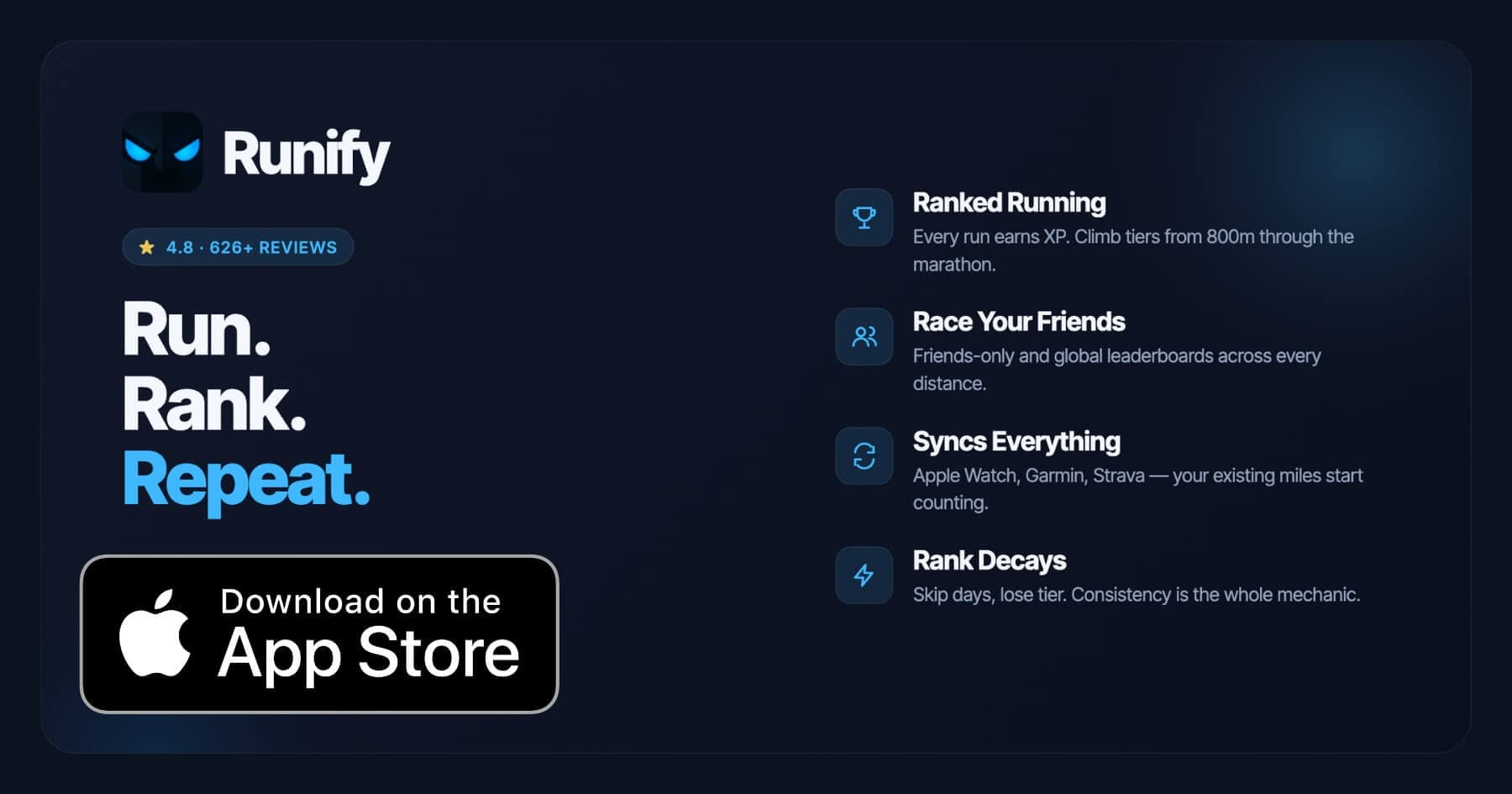
Runify fills that gap. Every run you log - or sync from Apple Watch, Garmin, or Strava - earns XP and moves you through a ranked tier system. You can compete on distance-specific leaderboards across 800m, 1K, 5K, 10K, half marathon, and marathon against friends or a global field. Your rank rises when you're consistent and decays when you go inactive, making consistency itself a competitive mechanic.
The app carries a 4.8 star App Store rating with 626+ reviews. Unlike the Suunto App, Runify is focused entirely on motivation and competition - not navigation or multisport analytics. Runners who want both can keep Suunto App for its maps and export workflow, and layer Runify on top via Strava sync to turn those same runs into ranked competition. For runners who've moved away from Suunto watches entirely, our Movescount alternatives guide covers several platforms worth considering alongside Runify.
When Runify Is the Better Pick Than Both
- You want a visible, competitive reason to keep running (XP, rank, rank decay)
- You already track on Apple Watch, Garmin, or Strava and want those miles to count toward something
- You care about distance-specific performance (800m through marathon) on friends and global leaderboards
- You like sharing stylized run recaps to Instagram Stories
When Runify Is Not the Right Fit
- You're on Android. Runify is iOS only today.
- You want structured training plans, pace coaching during a run, or audio-coached workouts. Runify focuses on tracking, ranking, and social competition - not coaching.
- You want route discovery, offline maps, or multisport tracking.
How to Choose Between Movescount and Suunto App
Since Movescount is no longer available, the real question for most runners is whether Suunto App meets their needs or whether an alternative platform makes more sense.
- Are you a current Suunto watch owner? Use Suunto App. It is the only first-party option and is free with no feature paywalls.
- Do you miss Movescount's structured workout builder? Add TrainingPeaks or use Suunto's watch-native interval feature to fill the gap. The Suunto App itself does not replicate Move Descriptions.
- Do you want deeper analytics? Suunto App covers the basics. For more granular training load, heart rate zone analysis, or VO2max trends, consider pairing Suunto App's FIT file export with a dedicated platform like TrainingPeaks or intervals.icu.
- Do you want a stronger social running layer? Suunto App's social feed is minimal. Export runs to Strava for segments and friend activity, or add Runify for a ranked competitive layer on top of your existing tracking.
- Do you own older Suunto hardware unsupported by Suunto App? Check Suunto's official compatibility list. Some legacy Ambit and Spartan models have limited support. If yours is on the unsupported list, Strava or a third-party platform via FIT file export may be your best option.
Frequently Asked Questions
Is Movescount or Suunto App better in 2026?
Suunto App is the only available option in 2026 - Movescount was permanently shut down in September 2021. Suunto App is free, actively maintained, and works with all current Suunto watches including the Race, Vertical, and 9 Peak Pro. It covers offline maps, route planning, multisport tracking, and Strava export. If you preferred Movescount's structured workout builder or desktop-heavy interface, Suunto App is a lighter replacement, but it is the only official Suunto platform available.
Can I use Movescount and Suunto App together?
No. Movescount shut down in September 2021. Users who migrated their accounts before the deadline had their data transferred to Suunto App. If you did not migrate in time, Movescount data is no longer accessible through any official channel. Suunto App is the sole platform for Suunto watch data today. Runify can import runs synced via Strava from Suunto App, letting your existing Suunto miles count toward a ranked competitive layer.
Which is cheaper, Movescount or Suunto App?
Both were or are free. Movescount never charged a subscription fee. Suunto App has no paid tier - every feature, including offline maps and route heatmaps, is available at no cost to Suunto watch owners. In that sense they are equal on price, though only Suunto App is accessible. There is no paid upgrade path in Suunto App as of 2026.
Which has better tracking accuracy, Movescount or Suunto App?
Tracking accuracy is determined by the Suunto watch hardware, not the companion app. Both platforms display the same GPS, heart rate, and elevation data captured by the watch. The difference is in how data is presented: Movescount had more detailed lap tables on desktop, while Suunto App offers cleaner map visualizations on mobile. If your Suunto watch records accurate data, both apps display it faithfully - the platform choice does not affect sensor accuracy.
What is the best alternative to both Movescount and Suunto App?
For runners who want a competitive social layer, Runify is the strongest alternative. It imports runs from Apple Watch, Garmin, or Strava and converts them into XP, tiers, and distance-specific leaderboards (800m through marathon). For runners who need deeper analytics, TrainingPeaks or intervals.icu accept FIT file exports from Suunto App. For social running, Strava remains the broadest community platform. The right pick depends on whether your priority is data analysis, social motivation, or competitive ranking.
Final Verdict
Movescount vs Suunto App is not really a live comparison - Movescount is gone, and Suunto App is the only official Suunto platform. For current Suunto watch owners, the Suunto App is free, reliable for maps and data logging, and connects cleanly to Strava and TrainingPeaks for runners who want more capability layered on top.
Where Suunto App falls short is motivation and social competition. It never had Strava's segment culture or a ranking system. Runners who want their miles to feed a visible competitive rank - not just a data log - can keep Suunto App for maps and sync while using Runify to turn those same runs into ranked competition across friends and global leaderboards.
Ready to make your Suunto runs count toward something more than data? Try Runify on the App Store - 4.8 stars, 626+ reviews, free to start.

4.8 on the App Store · Built for iOS