Best Strava Beacon Alternatives 2026
What Are the Best Strava Beacon Alternatives?
The best Strava Beacon alternatives in 2026 are Garmin LiveTrack for free wearable-based live sharing, Glympse for temporary no-account sharing, Apple Watch Check In for native iPhone-to-contact safety alerts, and Life360 for family safety suites with crash detection. Strava Beacon works fine from your phone, but sharing from Apple Watch or Garmin requires a paid Strava subscription ($11.99/month or $79.99/year). If that cost bothers you, or if you want a standalone safety tool, the options below each solve a specific piece of the problem. Runify is also included because it syncs with Strava so your runs still count toward something competitive even if you drop Strava's subscription.
At a Glance: Strava Beacon Alternatives Compared
| App | Best For | Pricing | Standout Feature | Main Limitation |
|---|---|---|---|---|
| Runify | Ranked running with Strava sync | $4.99/mo or $39.99/yr | Ranked leaderboards 800m-marathon | iOS only, no live beacon |
| Garmin LiveTrack | Free real-time tracking from Garmin watches | Free with Garmin device | Shares speed, distance, HR in real-time | Requires Garmin hardware |
| Glympse | Temporary link-based location sharing | Free (personal) | Self-expiring share links, no signup needed | No SOS or crash detection |
| Apple Watch Check In | Automatic safety check-ins on iPhone | Free with iPhone / Apple Watch | Auto-notifies contacts if you don't arrive | iPhone + Apple Watch required |
| Life360 | Family safety with crash detection | Free; Gold $7.99/mo | Crash detection with emergency dispatch | Family-focused, not runner-specific |
Why Look for Strava Beacon Alternatives?
Strava Beacon started as a premium-only feature, then opened up for free on the phone app. That change was welcome. But sharing your live location from Apple Watch or Garmin still requires a paid Strava subscription. That single restriction drives most searches for alternatives.
Here are the main reasons runners look elsewhere:
- Wearable sharing is paywalled: Strava Beacon from Apple Watch or Garmin requires a Strava subscription. Garmin LiveTrack covers the same use case for free.
- Strava subscription cost has risen: Strava now costs $11.99/month or $79.99/year. If you only wanted Beacon from your watch, that is a lot to pay for one feature.
- No SOS or crash detection: Beacon shares your location passively. It does not alert anyone if you fall or go still for an unusual amount of time. Dedicated safety apps go further.
- Privacy concerns with Strava: Strava's Global Heatmap has surfaced home addresses for users in low-density areas. Some runners prefer not to keep a persistent Strava account at all.
If you are dropping Strava's subscription over paywall fatigue, our best Strava alternatives breakdown covers the full tracker side. If you specifically want the live safety tracking piece, the options below are built for that job.
Alternative #1: Runify - Best for Ranked Running with Strava Sync
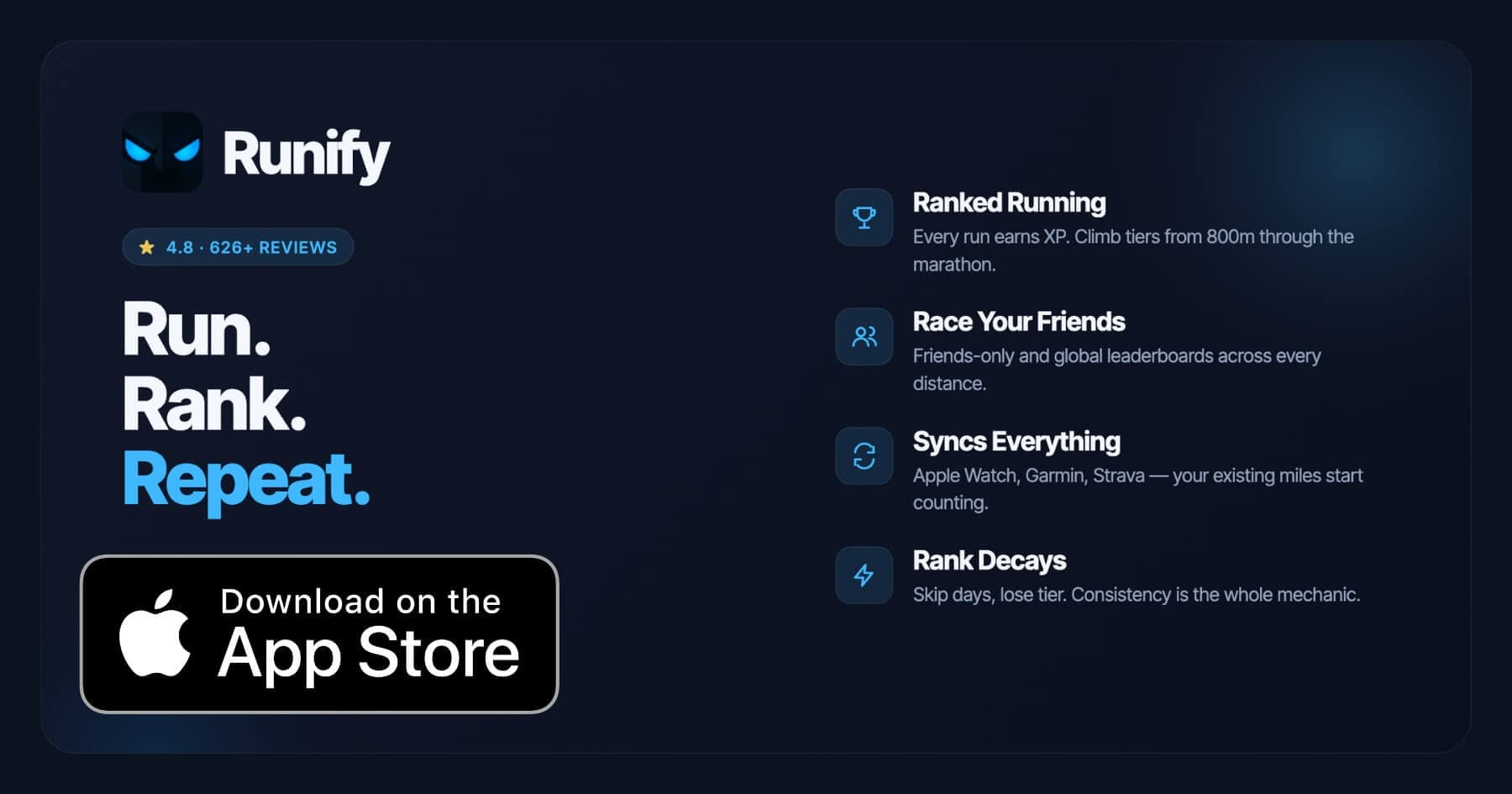
Runify does not replace Strava Beacon directly - it does not share your live location with contacts during a run. But it is the app most Strava subscribers actually want when they think about leaving: somewhere their miles still count toward something. Runify holds 4.8 stars on the App Store with 626+ reviews, and it imports directly from Strava, Apple Watch, and Garmin, so your existing runs earn XP and rank from day one.
The reason Runify leads this list is that many runners searching for Beacon alternatives are really asking a bigger question: is Strava worth the subscription? Runify answers that by giving you the ranked, competitive layer Strava never built, while letting you keep whatever tracker you already use.
Why Choose Runify Alongside or Instead of Strava?
- Your Strava runs still count: Connect Strava to Runify and every activity you log there earns XP and updates your rank. You can use the free Strava tier just for Beacon and let Runify handle the competitive side.
- Ranked progression that Strava lacks: Runify gives you an overall tier plus distance-specific ranks from 800m through the marathon. Kudos and segments do not do that.
- Friends and global leaderboards by distance: Compete on the 5K ladder this week, the half marathon ladder next. Both friends-only and global views are available.
- Rank decay keeps you honest: Go inactive and your rank slips. That feedback loop turns vague motivation into a number you can see.
Key Features
- Ranked Progression System: XP from every run, post-run rank-up reveals, and a decay mechanic that turns consistency into a visible incentive. Unlike a pile of badges, Runify builds a real tier you can lose.
- Friends and Global Leaderboards: Compete on a friends-only ladder or go global, and switch between overall Runify Rank and distance-specific ladders from 800m through the marathon.
- Apple Watch, Garmin and Strava Sync: Keep your existing tracker. Runify imports from HealthKit/Apple Watch, Garmin, and Strava, bulk-imports past runs, and auto-detects new ones.
- In-App GPS Tracking: Live GPS with time, distance, pace, and route, plus a post-run summary with splits, photos, and route map.
- Shareable Run Recaps: Stylized recap templates that auto-fill with your time, distance, pace, and route, with one-tap Instagram Stories sharing.
- Streaks and Smart Reminders: Streak tracking, celebrations when a streak extends, and friendly nudges when you have been quiet.
Pricing
Monthly: $4.99/month (no free trial). Annual: $39.99/year (includes a 7-day free trial, then auto-renews). Pro unlocks distance-specific leaderboards and expanded profile/history views (weekly, monthly, yearly, all-time stats).
When to Choose Runify
- You want your Strava, Garmin, or Apple Watch runs to count toward a real ranked competition
- You are cutting your Strava subscription and want the competitive angle without the full $79.99/year cost
- You care about distance-specific rankings from 800m through the marathon
- You like sharing stylized run recaps to Instagram Stories
When Not to Choose Runify
- You are on Android. Runify is iOS only today.
- You need live location sharing with contacts during a run. Runify does not provide a Beacon-style feature.
- You want structured training plans, audio coaching, or route discovery. Runify focuses on tracking, ranking, and social competition.
Alternative #2: Garmin LiveTrack - Best Free Wearable-Based Sharing
Garmin LiveTrack is the closest true equivalent to Strava Beacon. Start an activity on a compatible Garmin watch and your contacts receive a link that shows your real-time position, pace, distance, and heart rate on a live map. No Strava account required, no subscription required - just a Garmin device and the free Garmin Connect app.
The key difference from Strava Beacon is the data richness. Strava Beacon shows your location and phone battery. LiveTrack shows your location plus live pace, distance, elevation, and ANT+ sensor data like heart rate or power. For runners who already own a Garmin device, this is the obvious first stop. Our running apps with live tracking guide covers how LiveTrack stacks up across devices in more detail.
Key Features
- Real-time location sharing via a shareable link, no app install needed for viewers
- Shows live pace, distance, elapsed time, elevation, and heart rate (with ANT+ sensor)
- Auto-notifies pre-set contacts when you start an activity
- Course overlay option so followers can see your planned route alongside your actual position
- Works on Garmin Forerunner, Fenix, Enduro, and most current Garmin GPS watches
Pricing
Free with any compatible Garmin GPS device. Garmin Connect app is free. Garmin Connect+ ($6.99/month or $69.99/year) adds extras like deeper analytics, but LiveTrack itself does not require it.
When to Choose Garmin LiveTrack
You already own a Garmin GPS watch and want free live tracking without paying for Strava Premium. It is the best like-for-like Beacon replacement.
When Not to Choose Garmin LiveTrack
You do not own a Garmin device. LiveTrack requires Garmin hardware. It also has no SOS or crash detection built in.
Alternative #3: Glympse - Best for Temporary Link-Based Sharing
Glympse pioneered temporary location sharing in 2008 and has kept the same core design: tap a button, set a timer, share a link. Your contact opens the link in any browser and watches you move in real time. The share expires automatically when the timer runs out, and no account is required on either end.
For runners who want to share their location with a non-tech-savvy partner or family member, Glympse is the lowest friction option available. Your contact does not need an app, a login, or a Strava account. They click a link and see where you are.
Key Features
- Temporary self-expiring location shares (5 minutes to 4 hours)
- Recipients need only a web browser - no app or account required
- Available on iOS and Android
- Sender controls how long the share is visible; the link goes dark automatically
- Location data is never sold; shares are short-term by design
Pricing
Free for personal use. Glympse Pro ($15/user/month) is aimed at business fleet users and is not relevant for runners.
When to Choose Glympse
You want a quick, link-based share with no account setup on the recipient's side. Works well for one-off long runs where you want a family member to follow along temporarily.
When Not to Choose Glympse
Glympse has no SOS, crash detection, or automatic alerting if something goes wrong. It is location sharing only. If you need an active safety net rather than passive sharing, look at Life360 or Apple Watch Check In instead.
Alternative #4: Apple Watch Check In - Best Native iPhone Safety Feature
Apple's Check In feature, built into Messages on iOS and watchOS, takes a different approach. Instead of continuously sharing your location, it monitors your progress and automatically notifies your chosen contact if you do not arrive at your destination - or if your Apple Watch detects you have stopped unexpectedly. If you do not respond, your contact receives your precise location, battery level, and cell signal strength.
Check In is not a live tracking feed like Beacon or LiveTrack. It is an automatic safety net that fires when something goes wrong. For solo runners who worry more about what happens if they fall than about whether someone can watch them move, Check In is arguably more useful than any of the alternatives listed here. For a broader look at apps that prioritize runner safety, see our best running apps with safety features guide.
Key Features
- Automatic notification to a chosen contact if you do not arrive or go still
- Sends location, battery level, and cell signal when triggered
- Built into Messages - no extra app download needed
- Works from both iPhone and Apple Watch
- Supports journey-based check-ins (e.g., running a specific route and checking in at the endpoint)
Pricing
Free. Built into iOS 17 and later, and watchOS 10 and later. Requires an iPhone with the recipient also on iPhone.
When to Choose Apple Watch Check In
You already use iPhone and Apple Watch, and you want an automatic safety alert that fires without you having to remember to enable it before each run. Especially useful for trail runners or early morning solo runs.
When Not to Choose Apple Watch Check In
Your contacts are not on iPhone, or you want a continuous live feed that followers can actively watch. Check In is passive safety, not active sharing.
Alternative #5: Life360 - Best for Family Safety Suites
Life360 is a family safety platform that includes real-time location tracking, place alerts, crash detection with emergency dispatch, and identity protection. It is much broader than Strava Beacon - designed for families who want to know where everyone is, not just runners who want contacts to follow a single workout.
For runners, the crash detection feature is the standout. Life360 Gold detects crashes automatically and dispatches emergency services if needed, which goes well beyond what Beacon, LiveTrack, or Glympse offer. If you run in an area with car traffic or want an all-in-one family safety app that also covers your runs, Life360 is worth considering.
Key Features
- Real-time location sharing across family members
- Crash detection with emergency dispatch (Gold and Platinum tiers)
- SOS help alerts during emergencies
- Location history for up to 30 days (Gold)
- Available on iOS and Android
Pricing
Free plan available (basic location sharing). Life360 Silver: approximately $3.99/month. Life360 Gold: $7.99/month (crash detection, 30-day history, roadside assistance). Life360 Platinum: higher tier with expanded identity protection. 7-day free trial on paid plans.
When to Choose Life360
Your household already wants a shared family safety app, or you want crash detection during runs near roads. The Gold plan's emergency dispatch is a meaningful safety upgrade over passive location sharing.
When Not to Choose Life360
You just want a simple link to share with one person before a run. Life360 is feature-rich but heavier than needed if you only want Beacon-style functionality. The free tier also shows ads and prompts to upgrade frequently.
How to Choose the Right Strava Beacon Alternative
The right pick depends on what you actually need from Beacon. These questions help narrow it down.
-
Do you already own a Garmin watch? Start with Garmin LiveTrack. It is free, shows more data than Beacon, and does not require a Strava subscription. There is no reason to look further if you are in the Garmin ecosystem.
-
Is active safety monitoring (SOS, crash detection) your real concern? Beacon does not do this. Life360 Gold or Apple Watch Check In are better fits. Neither requires a Strava account.
-
Do you want your contacts to need zero setup? Glympse wins. Recipients click a link in any browser. No accounts, no apps, no friction.
-
Are you thinking about dropping your Strava subscription entirely? Keep the free Strava tier for Beacon on mobile, and add Runify for the competitive tracking piece Strava never built. The two work together.
-
Are you on Apple Watch and iPhone? Check In is already installed and costs nothing extra. Enable it in Messages before your next run and skip the third-party app entirely.
Frequently Asked Questions
Is Strava Beacon still worth using in 2026?
Strava Beacon is a solid feature if you already pay for Strava Premium or only need phone-based sharing. On the phone, it is free. The friction point is sharing from Apple Watch or Garmin, which requires a paid Strava subscription ($11.99/month or $79.99/year). If you pay that anyway for segments or analytics, Beacon is a reasonable bonus. If Beacon is the only reason you are paying, Garmin LiveTrack is free for Garmin owners, and Apple Watch Check In is free on iPhone. The feature itself works reliably; the cost argument is what drives most people to search for alternatives.
What is the best free alternative to Strava Beacon?
Garmin LiveTrack is the best free alternative if you own a Garmin watch - it shows live location, pace, distance, and heart rate at no extra cost. Apple Watch Check In is the best free option for iPhone and Apple Watch users who want automatic safety alerts without continuous sharing. Glympse is the best free option if you want a quick shareable link that works for anyone with a browser. Runify offers a 7-day free trial on the annual plan, though it focuses on ranked running rather than live location sharing.
Can I use Strava and Runify together?
Yes, and many runners do exactly this. Connect your Strava account to Runify in the app settings, and every activity you log on Strava automatically syncs to Runify and counts toward your XP and rank. This means you can keep using the free Strava tier for Beacon-style sharing on your phone, while Runify handles the competitive tracking layer. You do not have to choose one over the other. Runify also accepts imports from Apple Watch and Garmin, so the sync works regardless of which device you run with.
Which Strava Beacon alternative is best for ranked, competitive running?
Runify is the only app on this list built specifically for ranked competitive running. It uses XP from every run to move you through a tier system, puts you on friends-only and global leaderboards across distances from 800m through the marathon, and applies rank decay when you go inactive. Garmin LiveTrack, Glympse, and Life360 are safety tools - they show where you are, not how you rank. Apple Watch Check In is a passive alert system. If the ranked, progress-tracking angle is what you actually want, Runify is the answer, and it imports from Strava, Garmin, and Apple Watch.
How long does it take to switch from Strava Beacon to an alternative?
Switching the safety tracking piece takes minutes. Garmin LiveTrack auto-starts when you begin an activity on your Garmin. Apple Watch Check In is activated in the Messages app before you head out. Glympse takes about 30 seconds to create a share link. Setting up Runify takes longer because the value is in importing your history - the bulk import from Strava, Garmin, or Apple Watch/HealthKit can pull in months of runs automatically. Most runners are ranked and competing within one run of finishing the setup.
Final Verdict
Strava Beacon is a useful feature, but the wearable paywall and the absence of SOS or crash detection leave real gaps that purpose-built tools cover better. For most runners, the choice comes down to two paths.
If live safety tracking is your priority, pick based on your hardware. Garmin LiveTrack is the strongest free option for Garmin owners. Apple Watch Check In is the most seamless option for iPhone users. Glympse works for everyone with a quick link and no friction. Life360 adds crash detection and emergency dispatch if you want a more active safety net.
If you are really thinking about the Strava subscription overall, the better move is to keep the free Strava tier for phone-based Beacon and add Runify for the competitive running layer Strava never built. Ranked progression, leaderboards across race distances from 800m through the marathon, and rank decay that keeps you consistent - that combination is why Runify holds 4.8 stars on the App Store with 626+ reviews.
Ready to make your miles count toward something? Try Runify on the App Store - 7-day free trial on the annual plan.

4.8 on the App Store · Built for iOS