Best Running Apps with Spotify Integration 2026
Best Running Apps with Spotify Integration 2026
You hit play on your Spotify playlist, lace up, and head out. Twenty minutes in, the app starts talking over your music with a coaching cue and kills the vibe entirely. Or you have to exit the run screen just to skip a track. Or worse, the app claims Spotify integration but really just means "open Spotify yourself."
Not all Spotify-friendly running apps are equal. Some offer true in-app control so you never leave the run screen. Some curate BPM-matched playlists for your effort. Some just stay out of the way and let Spotify do its thing in the background.
We compared six of the best options for iPhone runners who use Spotify in 2026. Here is what actually works.
Quick answer: The best running apps for Spotify users in 2026 are: 1) Nike Run Club for in-app Spotify playback control and coach-aware volume mixing, 2) Runna for Spotify playlist integration alongside personalized training plans, 3) Adidas Running for broad music app compatibility and GPS tracking, 4) Runify for competitive ranking and leaderboards while Spotify plays in the background, 5) Runkeeper for straightforward Spotify music control with reliable GPS, and 6) RockMyRun for BPM-adaptive music designed specifically for runners. Nike Run Club leads because no other free app blends Spotify control and coached audio as cleanly.
1. Nike Run Club - Best Overall for Spotify-Connected Running
Nike Run Club is the strongest free option for iPhone runners who want Spotify inside their run experience. The app connects directly to your Spotify account, so you can browse playlists, play, pause, and skip tracks without leaving the NRC run screen. When a guided-run coach speaks, the music volume drops automatically, then returns when the coaching cue ends. That mix works without manual switching.
NRC is completely free with no paywalled core features. The App Store rating sits at 4.8 stars from over 500,000 reviews worldwide. If you run with Spotify and want audio coaching layered on top, NRC handles both better than any other free app on this list.
Why Nike Run Club Stands Out
The Spotify connection is built into the record screen, not a workaround. You pick your playlist before you start, and controls stay on-screen for the whole run. That matters when your hands are sweaty and you do not want to fumble between apps.
The guided run library pairs well with Spotify. You get a coach in your ear for structure, and your own playlist underneath for motivation. That combination keeps longer runs more engaging without extra gear.
NRC also tracks all standard metrics: pace, distance, heart rate via Apple Watch, and splits. The post-run summary gives you enough data without drowning you in numbers.
Key Features
- In-App Spotify Control: Browse playlists and control playback from the NRC run screen. No app-switching needed during a run.
- Coach-Aware Volume Mixing: Guided run audio lowers Spotify volume automatically, then restores it when the coach finishes talking.
- Guided Runs Library: Hundreds of coached audio runs across different distances and effort levels.
- Apple Watch Support: Heart rate, pace, and distance recorded via watch sensors. Metrics displayed on wrist mid-run.
- Challenges and Clubs: Free community challenges and run clubs with friends or global runners.
Pricing
Free. No subscription required. All core features including guided runs and Spotify integration are available at no cost.
Best For
- Runners who want in-app Spotify control without paying a subscription
- Beginners who want coached audio and their own music in one place
- iPhone and Apple Watch users who want solid GPS tracking for free
Limitations
- No competitive leaderboards or ranked progression system.
- No Garmin or third-party tracker sync.
- Training plan depth is lighter than dedicated coaching apps like Runna.
2. Runna - Best for Spotify Playlists with Structured Training
Runna is a personalized training plan app built by expert coaches. It pairs each workout type with a curated Spotify or Apple Music playlist. Easy recovery runs get lower-tempo tracks; interval sessions get higher-energy picks.
Strava acquired Runna, and you can now subscribe to both in a bundled annual plan. If you already pay for Strava, the bundle is worth comparing against paying for each separately. Runna holds a 4.9-star App Store rating with strong user reviews for plan quality and coach responsiveness.
Key Features
- Workout-Matched Playlists: Each session comes with a Spotify or Apple Music playlist chosen to match the training effort.
- Personalized Plans: Coach-built plans adapt based on your goal race, current fitness, and available training days.
- Audio Coaching During Runs: Real-time coaching cues delivered through your headphones as you run.
- Strava Sync: Activity data syncs automatically to Strava if you are on the bundle plan.
- Apple Watch App: Live metrics on your wrist during any coached session.
Pricing
Runna standalone: $19.99/month or $119.99/year. Strava + Runna bundle: $149.99/year. A free trial is available before committing.
Best For
- Runners training for a specific race who want Spotify playlists matched to workout intensity
- Runners who already subscribe to Strava and want to bundle both
Limitations
- Expensive compared to other options on this list.
- Playlist control happens through Spotify, not inside a Runna run screen.
- Not a fit if you only want music and tracking with no structured plan.
3. Adidas Running - Best for Spotify Alongside GPS Tracking
Adidas Running (formerly Runtastic) supports any music app running in the background, including Spotify. You start Spotify before launching Adidas Running, and both run side by side. The app handles GPS, pace, distance, and calorie data while Spotify handles the audio without any conflict.
Adidas Running is free with a premium tier that unlocks training plans and advanced statistics. The free GPS tracking is solid and accurate enough for most casual runners. If you are already an adidas customer, reaching adiClub Level 2 or Level 3 earns free months of premium access.
Key Features
- Background Spotify Compatibility: Spotify plays without interruption alongside real-time GPS tracking.
- GPS Tracking and Pace Alerts: Live pace, distance, duration, and calorie tracking with optional voice feedback.
- Training Plans: Premium plans for 5K through marathon with structured weekly sessions.
- adiClub Integration: Level 2 members get 3 months free premium. Level 3 members get 12 months free.
- Apple Health and Apple Watch Sync: Data flows automatically into Apple Health and supports Apple Watch as a sensor.
Pricing
Free with limited features. Premium: $9.99/month, $39.99/6 months, or $49.99/year. adiClub members may receive free premium access based on membership tier.
Best For
- Runners who want GPS tracking alongside Spotify without in-app integration friction
- adidas customers who can access free premium through adiClub
Limitations
- No in-app Spotify controls. You use Spotify independently or via your iPhone lock screen.
- No competitive leaderboards or ranking system.
- Training plans are behind the premium paywall.
4. Runify - Best for Tracking and Ranking While Spotify Plays
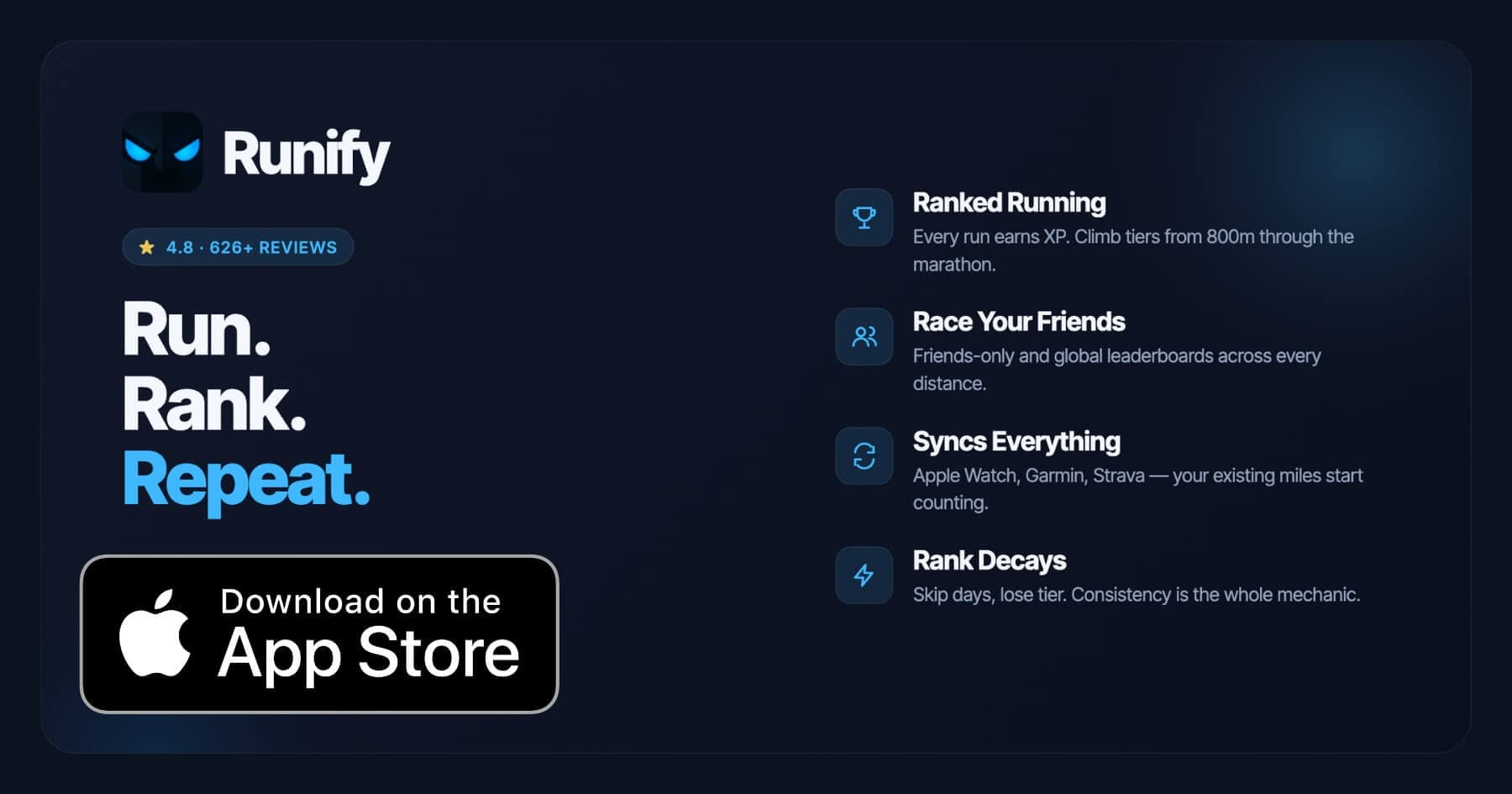
Runify does not have built-in Spotify controls. That is worth stating upfront, because this post is specifically about Spotify integration. What Runify does offer is a strong parallel experience: start Spotify on your iPhone, then open Runify to record the run. Both apps run at the same time. Spotify handles your music; Runify handles tracking, XP, and your rank.
That combination works well if your priority is competitive running with a music layer. Runify is the first ranked running app on iPhone. The community has logged 100,000+ runs, 500,000+ miles, and the app holds a 4.8-star App Store rating from 626+ reviews. Every run earns XP toward a tier system and places you on leaderboards across eight race distances from 800m through marathon. If going inactive for a week costs you rank, you have a real reason to run tomorrow.
For runners already exploring their iPhone tracking options, our best running apps for iPhone 2026 breakdown covers the broader field.
Why Runify Stands Out for Spotify Runners
Spotify plays in the background on iPhone without conflict. Runify records pace, GPS route, splits, and distance in the foreground. You get full music control through the iPhone lock screen or your AirPods without leaving the Runify run screen.
The competitive layer is what separates Runify from passive trackers. XP from every run feeds your overall Runify Rank, and rank decay after inactivity makes consistency tangible. You can also check out the best running app with leaderboards on iPhone if that competitive angle is what drives you.
Apple Watch, Garmin, and Strava sync all work automatically. Bulk-import your history on day one.
Key Features
- Ranked Progression System: XP from every run feeds your Runify Rank. Rank decay after inactivity keeps consistency visible and motivating.
- Friends and Global Leaderboards: Compete across 800m, 1K, 5K, 10K, half marathon, and marathon against friends or the world.
- Apple Watch, Garmin, and Strava Sync: Bulk-import past runs and auto-detect new ones. Your existing hardware keeps working.
- In-App GPS Tracking: Live GPS with time, distance, pace, and route. Post-run summary with splits, photos, and 99.5% GPS routing accuracy.
- Shareable Run Recaps: Stylized templates with one-tap Instagram Stories sharing. Rank cards shareable too.
- Streaks and Smart Reminders: Streak visibility, celebrations, and motivational notifications for inactivity.
Pricing
Monthly: $4.99/month (no free trial). Annual: $39.99/year with a 7-day free trial. Pro unlocks distance-specific leaderboards and expanded profile and history views.
Best For
- Runners who use Spotify in parallel and want competitive ranking on top of their tracking
- Apple Watch, Garmin, or Strava users who want miles to count toward a rank
- Social runners who want leaderboards across specific race distances
Limitations
- iOS only. Android is not available.
- No built-in Spotify controls. Spotify plays in parallel, not inside the app.
- No structured training plans, pace coaching during runs, or audio coaching.
- No route discovery or race and event signup features.
5. Runkeeper - Best for Simple Spotify Control with Reliable GPS
Runkeeper lets you connect Spotify directly within the app and control playback from the Runkeeper run screen. You choose a Spotify playlist before starting, then see track info and controls alongside your run stats during the session. Spotify Premium is required to use the full integration.
The free tier of Runkeeper handles GPS tracking, splits, and basic history. Runkeeper Go adds training plans, race pace coaching, and deeper analytics. For runners who want simple tracking alongside Spotify, Runkeeper keeps things clean.
Key Features
- In-App Spotify Controls: Play, pause, and skip Spotify tracks from the Runkeeper run screen.
- GPS Tracking: Live pace, distance, elevation, and split tracking with Apple Watch support.
- Training Plans: Runkeeper Go includes structured plans for 5K through marathon.
- Apple Health Integration: All data syncs to Apple Health automatically.
- Flexible Goal Setting: Custom distance, time, pace, and calorie goals per run.
Pricing
Free with core tracking features. Runkeeper Go: $9.99/month or $39.99/year with a 7-day free trial. Spotify Premium required for music integration ($12.99/month).
Best For
- Runners who want Spotify controls inline with their GPS stats in a free app
- Runners on a budget who want a simple all-in-one tracker
Limitations
- In-app Spotify control requires Spotify Premium.
- Smaller community and fewer social features than Strava.
- No competitive ranking or XP system.
6. RockMyRun - Best for BPM-Adaptive Running Music
RockMyRun is a dedicated running music app rather than a run tracker. It delivers DJ-curated music sets designed specifically for running, with BPM that adapts to your cadence automatically using Body-Driven Music technology. The app reads your step rate and adjusts the tempo of the music in real-time to match your stride.
RockMyRun does not use Spotify's catalog - it has its own library of DJ mixes. If you want your Spotify playlists specifically, this is not the right fit. If tempo-matched audio is the priority and you are open to a dedicated music app, RockMyRun is the most purpose-built option here.
The app is available on iPhone and integrates with Apple Health and Strava for syncing activity data after a run. For more on the best iPhone running apps overall, our best free running apps 2026 list includes options across budget levels.
Key Features
- BPM-Adaptive Music: Music tempo adjusts in real-time to match your running cadence automatically.
- DJ-Curated Playlists: Professional DJ mixes in various genres and BPM ranges, selected for running.
- Heart Rate Sync: Can sync BPM target to your heart rate instead of step rate if preferred.
- Manual BPM Override: Set a fixed BPM target to stay in a specific effort zone.
- Apple Health and Strava Sync: Workout data exported after each run.
Pricing
Free tier available with limited content. Premium (ROCKSTAR): monthly and annual plans available. Check the App Store for current pricing. Does not require Spotify Premium.
Best For
- Runners who want music tempo matched to their effort level automatically
- Runners open to a dedicated music library beyond Spotify
Limitations
- Does not play your personal Spotify playlists or Spotify catalog.
- Minimal GPS run tracking compared to dedicated trackers.
- Smaller music library than Spotify.
How to Choose the Best Running App for Spotify Users
The right choice depends on how much Spotify integration actually matters to your run experience. Here are five factors to weigh.
-
Do you need in-app controls or just background play? Nike Run Club and Runkeeper offer true in-app Spotify controls so you never leave the run screen. Adidas Running and Runify work with Spotify playing in the background, but music controls stay in Spotify or on your lock screen. Both approaches work; pick based on how often you skip tracks mid-run.
-
Do you want coached audio alongside music? Nike Run Club uniquely mixes coach audio with Spotify, lowering music volume during cues. Runna curates Spotify playlists per workout type. If coaching audio matters, those two are the top choices.
-
Do you care about competitive ranking? No app that focuses primarily on Spotify integration offers rank-based competition. Runify covers that gap by running alongside Spotify. If rank and leaderboards motivate you, that parallel setup works well.
-
What is your budget? Nike Run Club is free with full Spotify integration. Runkeeper Go costs $39.99/year. Runna is $119.99/year standalone. Runify is $39.99/year with a 7-day free trial. Consider which features you will actually use before paying for a premium tier.
-
Do you train with Apple Watch? Every app on this list supports Apple Watch to some degree. Nike Run Club, Runify, and Runna offer the deepest Apple Watch experiences for live metrics, coaching, and sync.
Frequently Asked Questions
What is the best running app with Spotify integration for iPhone in 2026?
Nike Run Club is the top pick for built-in Spotify integration on iPhone. It is free, connects directly to your Spotify account, and lets you control playback from the run screen without switching apps. The coach-aware volume mixing that lowers music during guided run cues is a feature no other free app matches. Runna is the best choice if you want Spotify playlists matched to structured training sessions. For runners who prioritize competitive ranking alongside their Spotify listening, Runify runs in parallel with Spotify on iPhone and adds XP, leaderboards, and rank tracking on top.
Is there a free running app that works with Spotify in 2026?
Yes. Nike Run Club is free and offers direct Spotify integration with in-app playback controls. Runkeeper also has a free tier with basic GPS tracking, but full Spotify controls inside the app require a Runkeeper Go subscription at $39.99/year. Adidas Running is free for GPS tracking and works with Spotify in the background without a subscription. Runify's annual plan includes a 7-day free trial at $39.99/year, though Runify runs Spotify in parallel rather than offering in-app music controls.
Can I use Spotify and a run tracker at the same time on iPhone?
Yes. On iPhone, Spotify and a run tracker can run simultaneously without conflict. Apps like Runify, Adidas Running, and Runkeeper in its free tier all work this way. Start Spotify, set your playlist, then open your tracking app. Music controls stay available on your lock screen or through AirPods. Nike Run Club and Runkeeper Go go further. They show Spotify controls inside the run screen so you never exit the tracking view.
What features should I look for in a running app that works with Spotify?
Look for in-app Spotify controls so you never leave the run screen to skip a track. Check whether the app requires Spotify Premium for music control - some do. Confirm it handles coach audio and music at the same time if you use guided runs. Also check GPS accuracy, post-run metrics, and Apple Watch compatibility. If community or competition matters to you, look for leaderboards, clubs, or ranked progression on top of the music layer.
Does Strava have Spotify integration in 2026?
Strava removed its in-app Spotify integration in February 2026. Before that, Strava allowed Spotify playback and track controls directly from the Strava record screen. The feature has been discontinued. You can still use Spotify while running with Strava active - Spotify runs in the background on iPhone without conflict - but you will use the Spotify app or your lock screen for controls rather than the Strava run screen.
Final Verdict
For most iPhone runners who use Spotify, Nike Run Club is the clearest starting point. It is free, the Spotify connection is genuine, and the in-app controls hold up during a run without forcing you to switch apps. Runna is worth the cost if you want structured training plans and curated Spotify playlists matched to each session, especially with the Strava bundle option.
If competitive ranking is what gets you out the door, Runify fits naturally into a Spotify setup. Start your playlist, open Runify, and run. Every mile counts toward XP and your rank on distance-specific leaderboards from 800m through the marathon. The apps do not fight each other, and the ranking layer adds a competitive edge that music alone cannot replicate.
Runkeeper earns its place for runners who want a clean, affordable option with Spotify controls built in. Adidas Running works for runners who just want GPS data alongside their existing Spotify habit without any subscription cost.
Try Runify free for 7 days (annual plan) and see what it feels like when every Spotify-fueled run earns XP and moves you up a leaderboard. Download Runify on the App Store.

4.8 on the App Store · Built for iOS