Best Running Apps for Fitbit Devices 2026
Best Running Apps for Fitbit Devices 2026
You bought a Fitbit to track your runs. But after a few weeks, you start wondering if the default app is showing you everything you could get from your data. Your Charge 6 logs your mileage, your heart rate, your splits. What happens next with those numbers? Can you race a friend? Can you share a recap? Can your runs actually mean something beyond a green ring?
That gap between "tracked" and "meaningful" is exactly what this guide covers. We compared six running apps that work with Fitbit devices on iPhone - looking at native Fitbit features, third-party integrations, sync reliability, and what you actually get for your money. Here are the best options.
The short answer: The best running apps for Fitbit devices in 2026 are: 1) Fitbit app with Fitbit Premium for deep on-device analytics, 2) Strava for social running and segment competition, 3) MapMyRun for route planning and training plans, 4) Runify for ranked progression and competitive leaderboards via Strava sync, and 5) Apple Health for passive data aggregation. Each serves a different kind of runner - read on to see which fits your goals.
1. Fitbit App + Fitbit Premium - Best Native Companion
The Fitbit app is the native home for every Charge, Sense, Versa, and Inspire device. Free to download, it pulls in all your device data automatically - GPS routes, heart rate zones, pace, cadence, sleep, and recovery. For many Fitbit runners, this is the only app they need.
Fitbit Premium unlocks the deeper layer. Subscribers get a Daily Readiness Score that tells you whether your body is ready for a hard effort or needs recovery, plus personalized run recommendations on supported devices. The premium tier also adds detailed sleep analytics, guided workouts from Peloton, and more granular health insights.
Key Features
- Automatic Fitbit Sync: All run data from your Charge, Sense, Versa, or Inspire flows directly into the app with no third-party tools required.
- Daily Readiness Score: A recovery metric that factors sleep, heart rate variability, and recent activity to recommend how hard to push today (Premium).
- Run Recommendations: AI-powered daily suggestions tailored to your recent runs, recovery, and goals - available on Pixel Watch 3 and 4 with Premium.
- Guided Workouts: Access Peloton-led running, cycling, yoga, and strength sessions inside the Fitbit app (Premium).
- Heart Rate Zone Tracking: Real-time zone data during runs, with post-run zone breakdown.
- Sleep and Stress Insights: Deep sleep stage analysis and stress management tools included with Premium.
Pricing
Free tier includes core tracking. Fitbit Premium costs $9.99/month or $79.99/year. New Fitbit devices typically include a 6-month Premium trial.
Best For
- Fitbit device owners who want a zero-friction experience with their existing hardware.
- Runners focused on recovery, health trends, and holistic wellness alongside mileage.
Limitations
- Limited social features - no friend leaderboards or competitive elements.
- Advanced run recommendations are currently restricted to Pixel Watch devices.
- No route discovery or race planning tools.
2. Strava - Best for Social Running and Segment Competition
Strava is the platform where competitive runners live. For Fitbit owners, connecting takes a few taps: go to Settings > Applications, Services, and Devices inside the Strava iPhone app, then select Fitbit. Once connected, runs tracked on your Fitbit device sync automatically to Strava, appearing in your feed and counting toward segments.
The core Strava experience is free. You get activity uploads, a social feed, and basic stats. Strava Premium (now called Strava Subscription) unlocks segment leaderboards, training load, route creation, and detailed performance analysis. If you care about racing your neighborhood's fastest mile or tracking a training block, Strava is worth the upgrade.
For Fitbit owners exploring more options beyond Strava, our best running apps with Strava sync breakdown covers the full ecosystem of apps that connect to Strava's platform.
Key Features
- Fitbit Direct Integration: Official Strava-Fitbit connection syncs runs automatically after setup.
- Segments: Race virtual course sections against other Strava users and your own history.
- Social Feed: Follow friends, give kudos, comment on runs.
- Route Builder: Create and explore routes from the Strava web app or mobile (Subscription).
- Training Load and Fitness Analysis: Relative Effort scores and fitness trend charts (Subscription).
Pricing
Free tier available. Strava Subscription costs $11.99/month or $79.99/year.
Best For
- Runners motivated by segment competition and a large social running community.
- Fitbit users who want their runs visible to a broader network.
Limitations
- Activities with no GPS data do not sync from Fitbit to Strava.
- Only new activities sync automatically - historical Fitbit runs require manual export tools.
- Free tier limits access to segment leaderboards and detailed analysis.
3. MapMyRun - Best for Route Planning and Training Plans
MapMyRun (by Under Armour) has been tracking runs longer than most apps on this list. It connects to Fitbit to pull steps and basic activity data, though the integration is primarily one-directional - Fitbit data flows into MapMyRun rather than the other way around. For runners who want structured training plans alongside their Fitbit data, MapMyRun's MVP tier is a solid pick.
Route Genius is the standout feature: tell it your distance and starting location and it surfaces mapped routes from the community. Combined with real-time audio feedback during runs, MapMyRun works well as a guided running companion even when your Fitbit is doing the primary tracking.
Key Features
- Fitbit Data Import: Pull steps and distance from Fitbit into your MapMyRun training log.
- Route Genius: Discover community-mapped routes by distance and location (MVP).
- Training Plans: Structured plans for 5K, half-marathon, and marathon with adaptive scheduling (MVP).
- Real-Time Audio Feedback: Pace and distance cues during runs to keep you on target (MVP).
- Live Tracking: Share your real-time location with a contact during runs for safety.
- Heart Rate Zone Analysis: Connect a monitor for zone breakdown during workouts (MVP).
Pricing
Free tier available. MVP Subscription costs $5.99/month or $29.99/year.
Best For
- Fitbit owners who want structured training plans and route discovery alongside their device data.
- Runners who use audio coaching cues during workouts.
Limitations
- Fitbit integration is limited to steps and distance - GPS routes from Fitbit devices do not transfer directly.
- Training plan features require MVP; free tier is basic.
- Smaller social community compared to Strava.
4. Runify - Best for Ranked Progression and Leaderboards
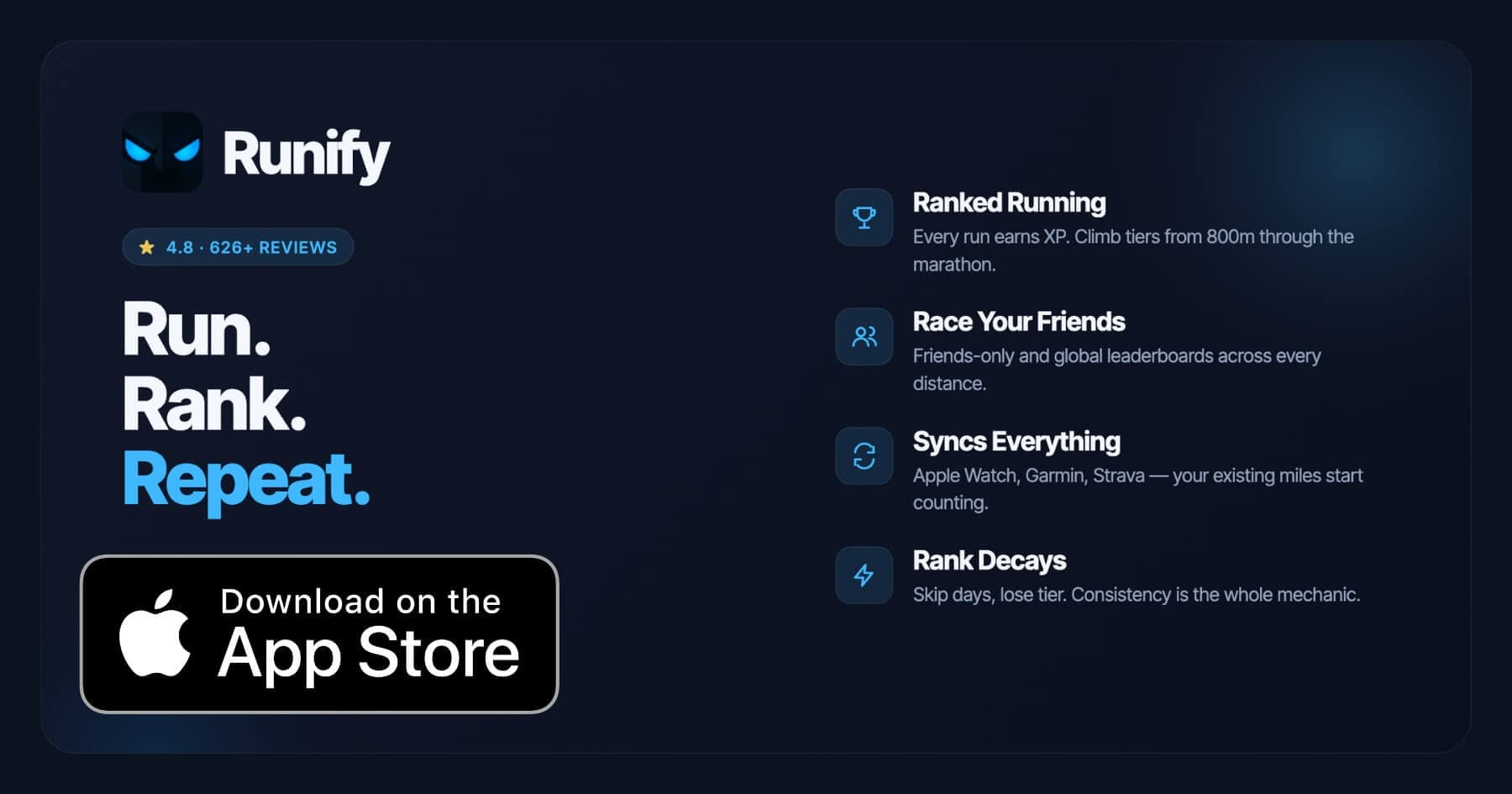
Runify is the first ranked running app - every run earns XP, moves you through a competitive tier system, and places you on distance-specific leaderboards across 800m, 1K, 5K, 10K, half, and marathon. It holds a 4.8-star App Store rating from 626+ reviews, with 100,000+ runs logged across the community.
Fitbit owners reach Runify through Strava sync. The path is: connect your Fitbit to Strava (as described in #2 above), then connect Strava to Runify. Once set up, runs flow from Fitbit to Strava to Runify automatically. If you're already exploring how different apps connect into Strava's ecosystem, our best running apps with Strava sync breakdown explains how the chain works.
The extra step is worth it if you want your runs to mean something beyond a log entry. Rank decay - losing rank if you go inactive - turns consistency into something visible and competitive.
Why Runify Stands Out
Runify adds a competitive layer that no other app on this list provides. Your Fitbit runs, once synced through Strava, count toward an overall Runify Rank and distance-specific achievements. Post-run rank-up reveals turn an ordinary 5K into a visible milestone.
Friends and global leaderboards are organized by actual race distances. You can see exactly where you rank at the 5K or 10K among your friends and among runners worldwide. The social feed, shareable run recaps, and one-tap Instagram Stories sharing keep the community side active without requiring a large follower count.
Key Features
- Ranked Progression System: XP from every synced run feeds rank-up reveals and an overall Runify Rank. Rank decay after inactivity keeps consistency tangible.
- Friends and Global Leaderboards: Race your friend group or the world across 800m, 1K, 5K, 10K, half, and marathon (Pro).
- Strava Sync: Bulk-import past runs from Strava; new runs from Fitbit auto-detect once the Fitbit-to-Strava-to-Runify chain is active.
- In-App GPS Tracking: Live GPS with time, distance, pace, and route. 99.5% GPS routing accuracy.
- Shareable Run Recaps: Auto-filled templates with your time, distance, pace, and rank card. One-tap Instagram Stories sharing.
- Streaks and Smart Reminders: Current-streak tracking, streak celebrations, and motivational push notifications for inactivity.
Pricing
Monthly: $4.99/month (no free trial). Annual: $39.99/year with a 7-day free trial. Pro unlocks distance-specific leaderboards and expanded profile/history views.
Best For
- Fitbit owners who already use Strava and want a competitive layer on top of their runs.
- Runners motivated by rank, XP, and visible progression rather than just mileage totals.
- Social runners who want to race friends across specific distances.
Limitations
- iOS only. Android is not available today.
- Requires the Fitbit-to-Strava-to-Runify sync chain - not a direct Fitbit integration.
- Not a coached training-plans app - no structured workouts, pace coaching during a run, or audio coaching.
- No route discovery or race/event signup features.
5. Apple Health - Best for Passive Data Aggregation
Apple Health functions less as a running app and more as a data hub on iPhone. It aggregates activity from dozens of sources - including Fitbit, via third-party bridge apps - and provides a unified health timeline. For runners, it stores workout records, heart rate history, and step counts that other apps can read and write.
Fitbit does not offer direct Apple Health integration. Syncing requires a third-party bridge app (such as FitToStrava, myFitnessSync, or the Fitbit Sync to Apple Health app from the App Store). These tools typically run in the foreground or require the iPhone to be unlocked to transfer data, due to iOS background constraints. Free tiers are limited; full sync usually requires a paid subscription on the bridge app side.
Key Features
- Unified Health Dashboard: Aggregates data from Fitbit, Apple Watch, Garmin, and 300+ compatible apps into one timeline.
- Workout History: Stores all logged runs with distance, duration, heart rate, and route data.
- Health Trends: Long-term trend charts for steps, heart rate, sleep, and activity (built into iOS Health app, free).
- Third-Party App Access: Lets other iOS apps (including Runify, Strava, and MapMyRun) read your health data with permission.
Pricing
Free - built into iPhone. Third-party bridge apps for Fitbit sync cost $1-$5/month depending on the tool.
Best For
- Runners who want a single place to view health data from multiple devices and apps.
- iPhone users comfortable managing a manual or third-party sync setup for Fitbit data.
Limitations
- No native Fitbit integration - requires a third-party bridge app.
- No running-specific features like leaderboards, training plans, or social feeds.
- Sync can be delayed or interrupted if the iPhone screen is locked.
- Duplicate data is a common issue when multiple apps write to Health simultaneously.
6. Adidas Running (formerly Runtastic) - Best Free GPS Alternative
Adidas Running is a free GPS running app that works independently of Fitbit. Rather than syncing from your Fitbit device, it tracks runs directly on your iPhone using the phone's GPS. For Fitbit owners who want a capable free running app to use on days they leave their tracker at home, it is a practical option.
The app includes a route planner, live audio coaching during runs, and a basic social feed. The premium tier (Adidas Running Premium) adds training plans, advanced stats, and race time predictions. The free tier is genuinely useful for straightforward GPS tracking, which makes it a reasonable complement to any Fitbit setup.
Key Features
- iPhone GPS Tracking: Records runs via iPhone GPS when your Fitbit device is not present.
- Live Audio Coaching: Real-time pace, distance, and milestone cues during runs.
- Route Planning: Map a route before your run and follow it on the go.
- Training Plans: Structured plans for 5K through marathon (Premium).
- Social Feed: Follow friends and share run summaries.
Pricing
Free tier available. Premium costs approximately $9.99/month or $59.99/year.
Best For
- Fitbit owners who want a free GPS backup app for runs without their device.
- Runners who value audio coaching during workouts.
Limitations
- Does not sync directly with Fitbit - runs are siloed from your Fitbit history.
- Training plans and advanced stats are locked behind Premium.
- Smaller community than Strava.
How to Choose the Best Running App for Your Fitbit
Picking the right app depends on what you want your Fitbit data to actually do. Here are five factors to weigh.
-
Sync compatibility: Some apps connect directly to Fitbit (Strava, Fitbit Premium). Others require a workaround chain (Runify needs Fitbit to Strava first). Know what you are getting into before subscribing.
-
Social and competitive features: If racing friends and climbing leaderboards motivates you, Strava and Runify deliver that. If you prefer solo tracking and health analytics, Fitbit Premium or Apple Health are quieter options.
-
Training structure: Runners following a plan benefit from MapMyRun's structured training plan library. Runners who prefer unstructured mileage with competitive ranking do better with Runify or Strava.
-
Budget: Apple Health is free. Fitbit's free tier covers basics. Paid tiers run from $4.99/month (Runify) to $9.99/month (Fitbit Premium, Strava, Adidas Running). MapMyRun MVP is the lowest annual cost at $29.99/year.
-
Platform: Runify is iOS only. All other apps on this list work on iPhone. If you want a broader look at the top iPhone running options regardless of Fitbit, our best running apps for iPhone guide covers the full field.
Frequently Asked Questions
What is the best running app for Fitbit devices in 2026?
The best app depends on your goal. Fitbit Premium is the best native companion - it reads all your device data directly with no setup required and adds a Daily Readiness Score and guided workouts. Strava is the best choice for social running and segment competition, with official Fitbit sync built in. Runify is the best pick if you want ranked progression and competitive leaderboards; it works via a Fitbit-to-Strava-to-Runify sync chain. MapMyRun is strongest for structured training plans. Most Fitbit runners end up combining the Fitbit app for health data with one external app for social or competitive features.
Can I sync my Fitbit runs to Strava?
Yes. The official Strava-Fitbit connection is available inside the Strava iPhone app under Settings > Applications, Services, and Devices. Once linked, GPS runs tracked on your Fitbit device sync automatically to your Strava feed. Note that activities with no GPS data and duplicate activities will not transfer. Only new activities sync after the connection is established - older runs require a manual export tool. Our best running apps with Strava sync guide covers how the sync chain works across the full ecosystem.
Does Fitbit sync with Apple Health on iPhone?
Fitbit does not offer a direct Apple Health integration. Syncing requires a third-party bridge app from the App Store - options include myFitnessSync, FitToStrava, and the Fitbit Sync to Apple Health app. Most bridge apps are free to download but charge a small monthly or annual fee for full sync functionality. A common limitation is that iOS requires the iPhone screen to be unlocked for background sync to run, so data transfers can lag if you do not open the app regularly.
What features should I look for in a running app for Fitbit?
Four things matter most. First, sync reliability: does the app connect directly to Fitbit, or does it need a workaround chain? Second, data depth: does it surface pace, heart rate zones, cadence, and split breakdowns, or just distance and time? Third, motivation tools: do you need social features, leaderboards, training plans, or recovery scores to stay consistent? Fourth, price: free tiers vary widely - Strava and MapMyRun have meaningful free options, while Runify requires a subscription for leaderboard access. Match the feature set to your actual running habits rather than the longest list.
Is there a free running app that works with Fitbit?
Several free options exist. The Fitbit app itself is free and covers core tracking for all Fitbit devices. Strava has a free tier that includes official Fitbit sync and a social feed. MapMyRun's free tier includes basic GPS tracking and Fitbit step import. Apple Health is free and stores data from multiple sources. Adidas Running is free for GPS tracking without Fitbit integration. For Runify, the annual plan includes a 7-day free trial; after that a subscription is required to use the ranked progression and leaderboard features.
Final Verdict
Fitbit devices are solid running trackers. The gap most Fitbit runners feel is not in the hardware - it is in what happens to the data after the run ends. The right companion app fills that gap differently depending on what keeps you running.
For most Fitbit runners on iPhone, Fitbit Premium covers the health and recovery side, and Strava covers the social and competitive side. That combination handles the majority of use cases without extra friction. If you want a deeper competitive layer on top - rank-up reveals, XP, and distance-specific leaderboards - connecting through Strava to Runify adds that without replacing your existing setup. MapMyRun is the pick if you need an actual training plan to follow.
Your Fitbit is already doing the hard part. Pick one app that turns those miles into something that pulls you back out the door tomorrow.
Ready to make your Fitbit runs count toward something competitive? Try Runify free for 7 days and see where your runs rank.

4.8 on the App Store · Built for iOS